When a dispatcher calls in and needs assistance adding a new driver, here are the steps to get the dispatcher to the screen to watch the video below:
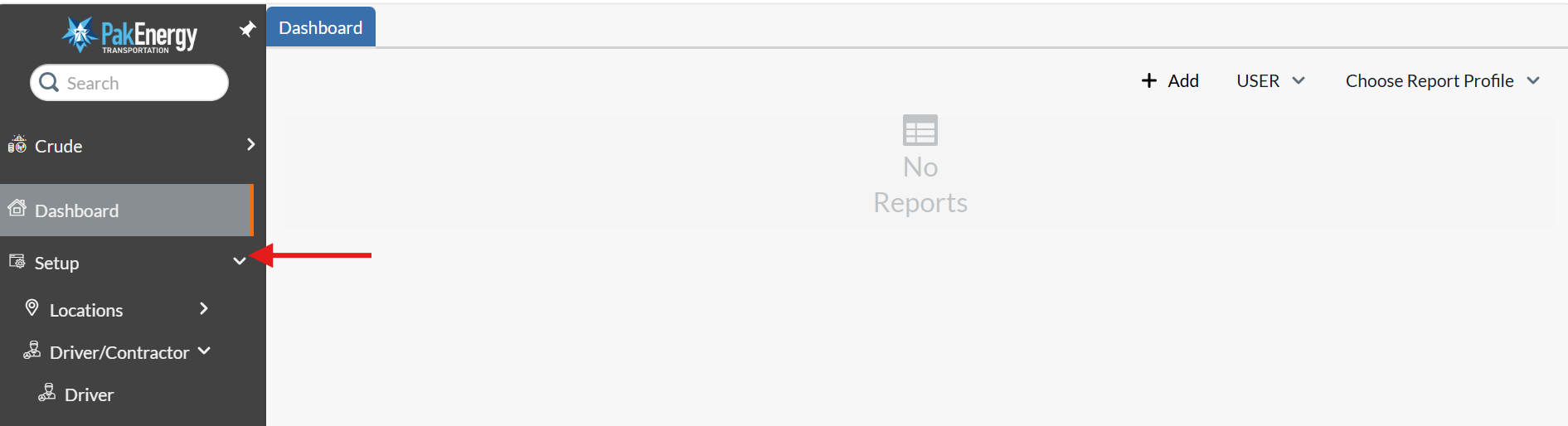
1. Click on 'Set Up'
2. Click on 'Driver/Contractor Tab'
3. Click on 'Driver' tab
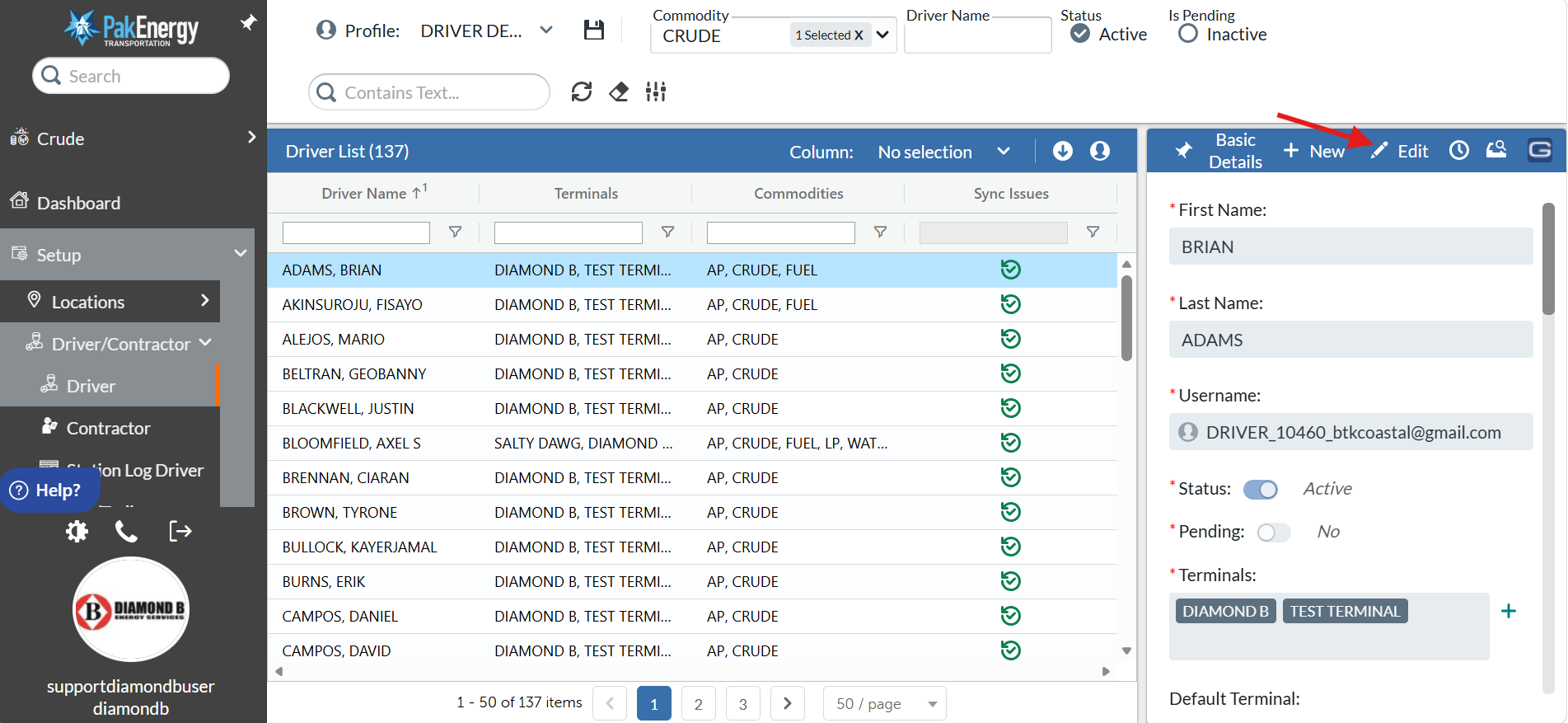
4. Search for the Driver's name, then click on it
5. On the right side of the screen, click 'Edit' button
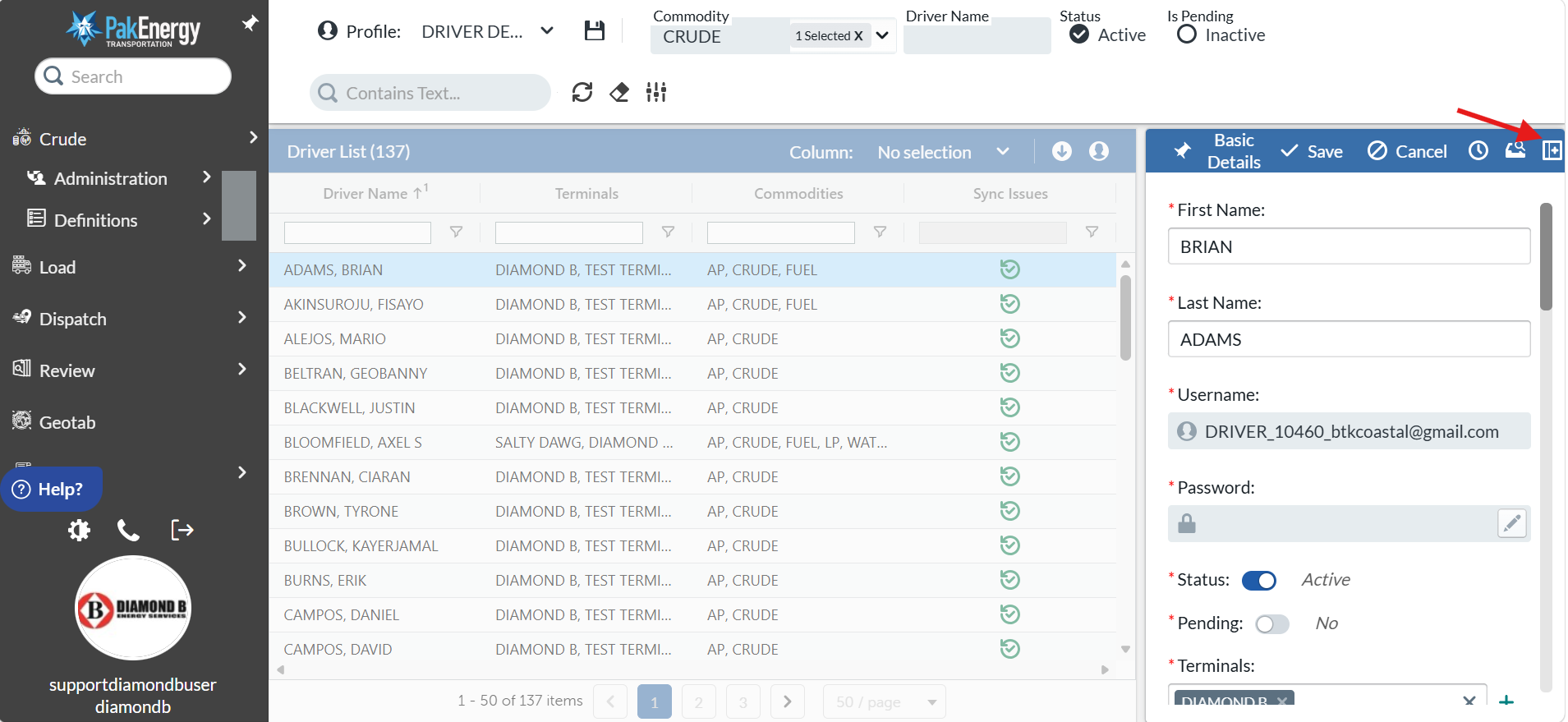
If in case additional information needs to be edited then you can click on "Display advanced fields" as mentioned below in the screenshot.
Was this article helpful?
That’s Great!
Thank you for your feedback
Sorry! We couldn't be helpful
Thank you for your feedback
Feedback sent
We appreciate your effort and will try to fix the article